Chromebooks: Affordable Computing for Students
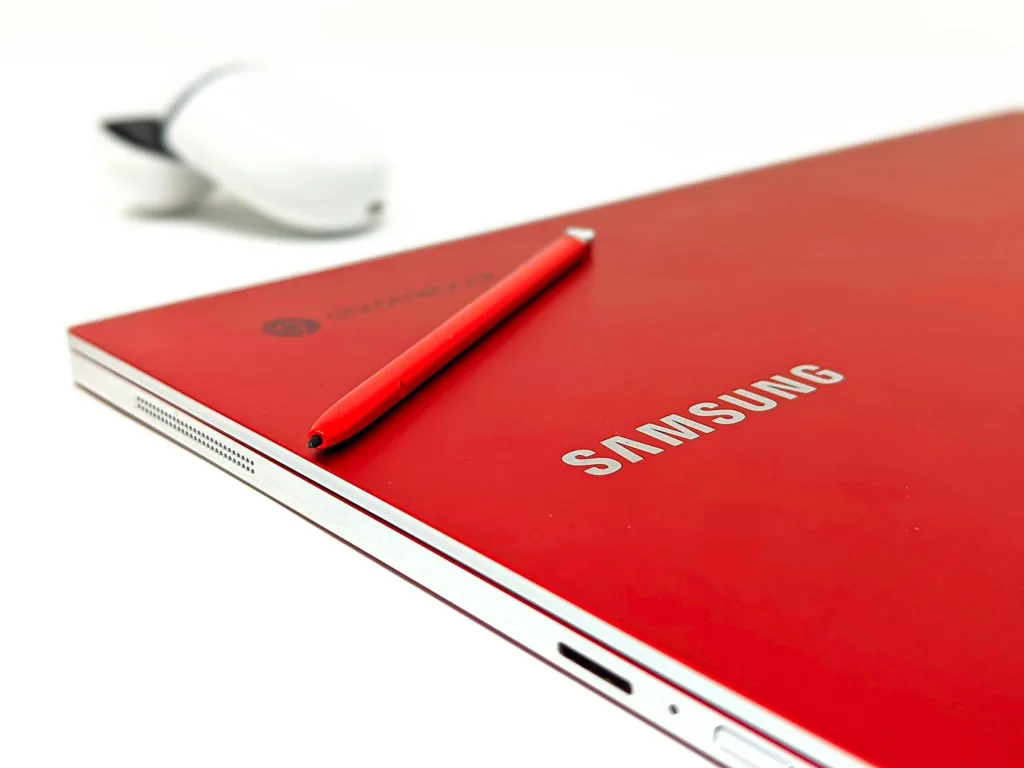
If you're looking for a reliable, budget-friendly laptop for your child's schooling, a Chromebook might be exactly what you need. These lightweight devices have become increasingly popular in New Zeal...
Daniel covers technology, cybersecurity, and small business topics for Lifetimes NZ. He breaks down tech news and digital trends for a general audience.
If you're looking for a reliable, budget-friendly laptop for your child's schooling, a Chromebook might be exactly what you need. These lightweight devices have become increasingly popular in New Zealand schools because they're affordable, secure, and built specifically for learning. Whether your child's school has a BYOD (Bring Your Own Device) policy or you're simply exploring options, understanding what Chromebooks offer can help you make an informed decision that works for your whānau's needs and budget.
What Are Chromebooks and Why Are They Popular in NZ Schools?
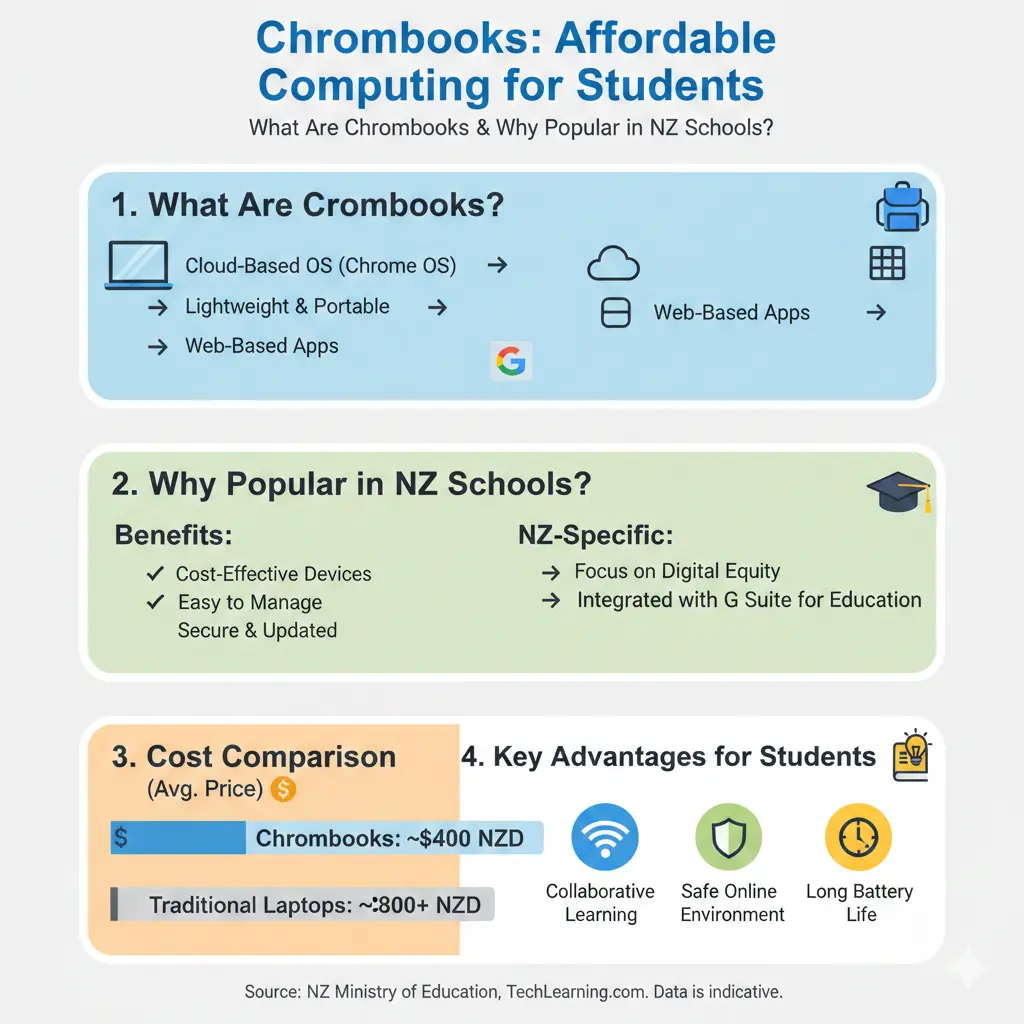
Chromebooks are laptops that run ChromeOS, Google's lightweight operating system designed for simplicity and security. Unlike traditional Windows or Mac laptops, Chromebooks are built around cloud computing—meaning most of your work and files are stored online rather than on the device itself.
In New Zealand, Chromebooks have become the go-to choice for many primary and intermediate schools. They integrate seamlessly with Google Classroom, Docs, Sheets, and Slides—tools that most schools use for teaching and learning. More and more New Zealand schools are embracing digital learning, and while BYOD policies differ by school, many recommend or require Chromebooks for consistent access to learning tools.
For example, Bombay School's BYOD policy makes Chromebooks compulsory for Years 4–8 students, with Year 3 students strongly encouraged to have one for consistent access to learning tools. This reflects a broader trend across New Zealand education.
Why Choose a Chromebook for Your Child?
Affordability
One of the biggest advantages of Chromebooks is their price. They're considerably cheaper than comparable Windows laptops or MacBooks, making them accessible for families on various budgets. You'll find quality Chromebooks available at major New Zealand retailers like Noel Leeming and JB Hi-Fi, often with competitive pricing and membership discounts.
Speed and Reliability
Chromebooks start fast and stay fast—they boot up in seconds and are ready to use immediately. This is particularly helpful when your child needs to get to their schoolwork quickly. The devices automatically update in the background, so you don't need to manage manual updates or worry about security patches being missed.
Security and Simplicity
ChromeOS includes built-in virus protection and automatic security updates, giving you peace of mind about your child's online safety. The operating system is designed to be simple and intuitive, meaning less technical troubleshooting for parents and fewer distractions from schoolwork.
Long-Lasting Support
New Chromebooks are supported for up to 10 years, making them a solid long-term investment. This extended support period means your child will continue receiving important software and security updates throughout their time at school.
Battery Life
Most quality Chromebooks offer all-day battery life—typically lasting at least a full 6-hour school day. This means your child can move between classes, the library, or home without constantly hunting for a power outlet.
Key Specifications to Look For
When shopping for a Chromebook, the Ministry of Education recommends considering these specifications:
- At least 64GB storage and 4GB RAM (though 8GB RAM is recommended for better performance and longevity)
- A screen size between 10 and 15 inches—most schools suggest 13–14 inches
- A keyboard, Wi-Fi, Bluetooth, and webcam as standard features
- Durability and splash-resistance to handle the rough and tumble of school life
- A suitable weight for your child's age—portability matters when they're carrying it between classes
The Ministry of Education also emphasises that devices should be compatible with your child's school software and supported by an operating system that receives regular updates.
Popular Chromebook Models for New Zealand Students
Several Chromebook models meet New Zealand school requirements for durability, battery life, and performance. Recommended options include the Lenovo 100e 4th Gen and Acer C736, both of which are proven choices in New Zealand schools. The Asus Chromebook Plus CX34 is also highlighted as a strong contender, offering smooth integration with Google's ecosystem and thoughtful extras like built-in webcam enhancements with background blur and noise cancellation—useful for online classes.
For younger primary school students, the Acer Chromebook 311 is designed specifically for education with all-day power and secure design, making it ideal for school use.
Protecting Your Investment
Once you've purchased a Chromebook, it's worth protecting it properly. Consider investing in:
- A padded laptop sleeve to shield the device from drops and knocks
- A durable headset or headphones for online learning and video calls
- A mouse for extended study sessions
- A protective carrying case or backpack designed for laptops
It's also a good idea to name all items clearly—use a permanent marker or labels—so your child can easily identify their device if it's accidentally mixed up with a classmate's.
Checking Your School's BYOD Policy
Before purchasing, check your child's school BYOD policy online. School policies vary—some schools recommend specific device types, while others may favour Microsoft 365 over Google's productivity suite, or even advise against Chromebooks for high school or university students. Understanding your school's requirements ensures you buy a device that's compatible with their systems and teaching approach.
The Ministry of Education recommends checking BYOD requirements especially if you're buying for intermediate, as your child may move to a school with different device preferences.
Where to Buy in New Zealand
Several retailers stock Chromebooks and BYOD essentials across New Zealand:
- Noel Leeming – Browse their range of Chromebooks online or in-store with myNoelLeeming membership discounts
- JB Hi-Fi NZ – Offers student-friendly Chromebook options from brands like HP, Lenovo, Dell, and ASUS, plus back-to-school deals
- OfficeMax – Specialises in BYOD essentials including Chromebooks and accessories
- Lenovo NZ – Direct from the manufacturer with free shipping on selected models
Making Your Decision
Choosing the right device for your child's schooling is an important decision. Chromebooks offer excellent value for money, strong security, and seamless integration with the tools most New Zealand schools use. They're particularly well-suited to primary and intermediate students who need reliable, affordable computing for everyday learning.
Before you buy, check your school's BYOD policy, consider the specifications that matter for your child's year level, and think about protection and accessories. With the right Chromebook, your child will have a dependable learning tool that'll support their education for years to come.
Ready to get started? Visit your local Noel Leeming, JB Hi-Fi, or OfficeMax store to see the current range, or check your school's BYOD policy online for specific recommendations.
Frequently Asked Questions
Sources & References
-
1
Bring your own device essentials | Chromebooks & More | OfficeMax — www.myschool.co.nz
-
2
Chromebooks for 2026 - Bombay School — www.bombay.school.nz
-
3
Chromebooks For Sale Online in NZ - Noel Leeming — www.noelleeming.co.nz
-
4
Back to School 2026 Tech Deals & BYOD Essentials - JB Hi-Fi NZ — www.jbhifi.co.nz
-
5
At-Home School Chromebook Laptops | Lenovo NZ — www.lenovo.com
-
6
Choosing a device for your child - Ministry of Education — www.education.govt.nz
-
7
Bring your own device essentials | Chromebooks & More | OfficeMax — www.myschool.co.nz
-
8
The best student laptops in New Zealand for 2026 - TechRadar — www.techradar.com
- 9
Related Articles
iPad Pro: Premium Tablet for Creative Professionals
If you're a creative professional in New Zealand looking for a tablet that can handle demanding work, the iPad Pro with the M5 chip might be exactly what you need. Whether you're editing videos, desig...
Handheld Vacuum Cleaners: Quick Cleanup Solutions
Handheld vacuum cleaners have become essential tools for Kiwi households, offering quick cleanup solutions without the hassle of dragging out a full-size vacuum. Whether you're dealing with crumbs on...

French Door Refrigerators in NZ: Luxury Cooling with Style
If you're looking to upgrade your kitchen with a stylish and spacious refrigerator, a French door fridge might be exactly what you need. These elegant appliances have become increasingly popular in Ne...
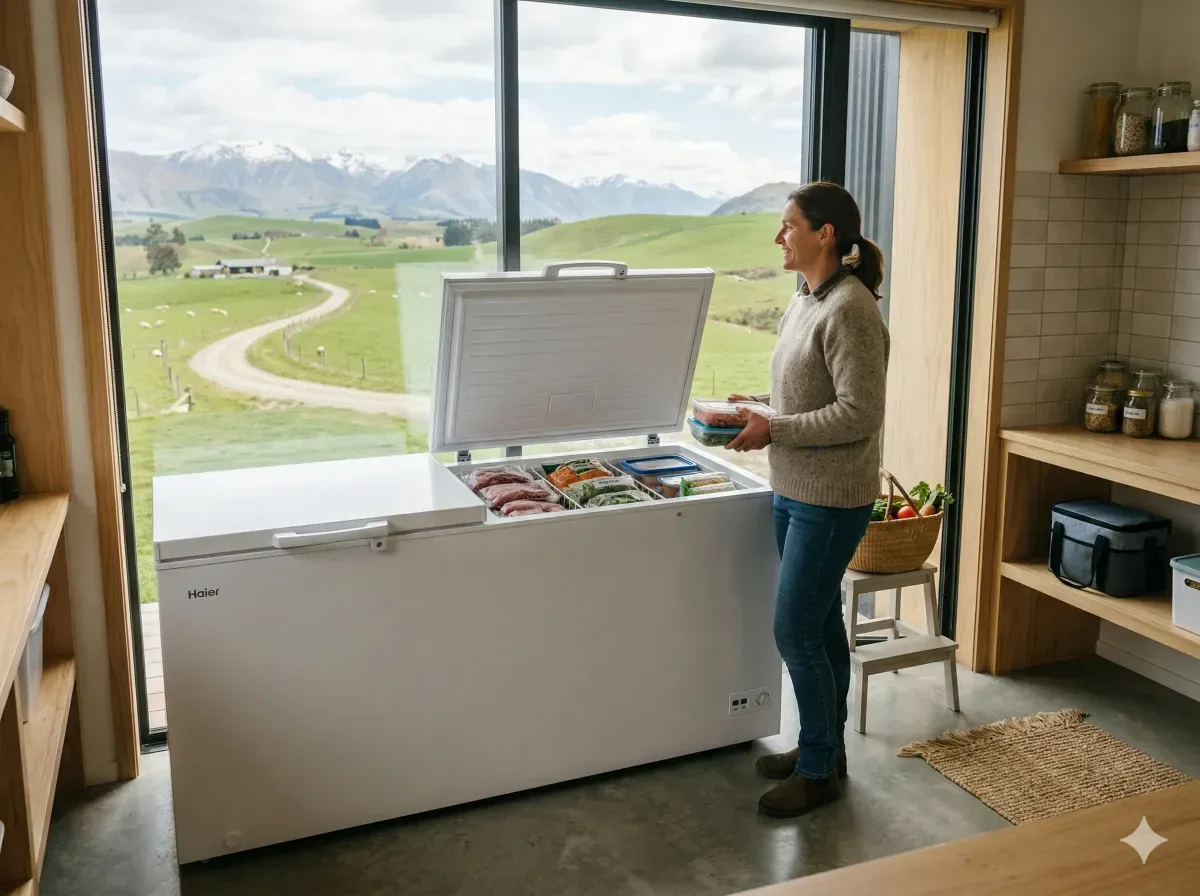
Chest Freezers in New Zealand: Bulk Storage for Rural Properties
If you're living on a rural property in New Zealand, a chest freezer isn't just a convenience—it's a practical investment for storing homekill, bulk meat purchases, garden produce, and fish. Whether y...