Making Tax Easier: Using MyIR Effectively

Ever stared at a tax return feeling like it's written in another language? You're not alone—many Kiwis dread tax time, but with MyIR, Inland Revenue's secure online portal, it doesn't have to be that...
Sarah covers personal finance, tax, and KiwiSaver topics for Lifetimes NZ. She focuses on making money management straightforward and practical for everyday Kiwis.
Ever stared at a tax return feeling like it's written in another language? You're not alone—many Kiwis dread tax time, but with MyIR, Inland Revenue's secure online portal, it doesn't have to be that way. In 2026, mastering MyIR means faster refunds, easier compliance, and less stress, especially with updated tax brackets and digital-first rules now in full swing.
MyIR puts you in control of your tax affairs from anywhere, whether you're checking PAYE, filing your IR3, or claiming Working for Families credits. This guide walks you through everything you need to know to make tax easier using MyIR effectively, tailored for New Zealand's 2025/2026 tax year.
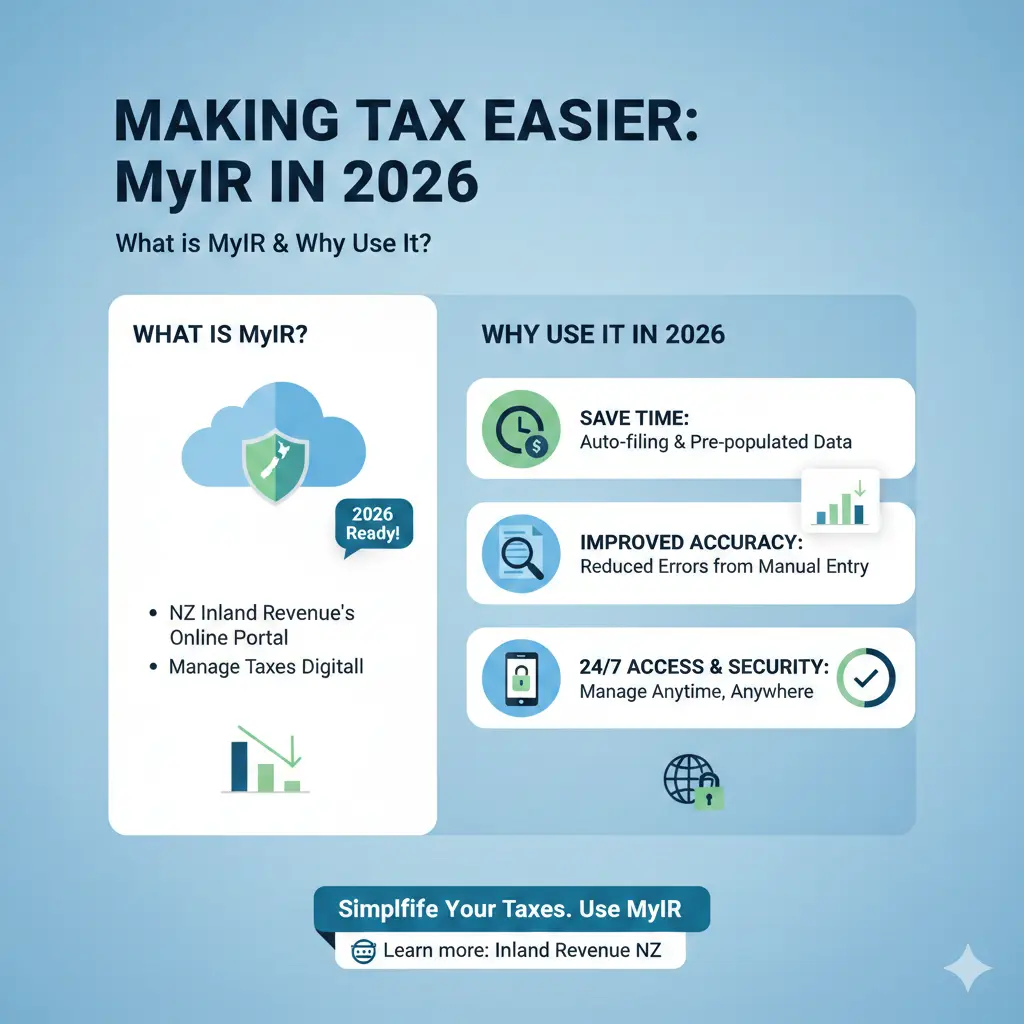
What is MyIR and Why Use It in 2026?
MyIR is your personal gateway to Inland Revenue services, letting you manage income tax, GST, KiwiSaver, and more without paper forms or long phone waits. From 2026, IRD's shift to mandatory online communication means paper notices are phased out for most taxpayers—MyIR is now essential to stay updated on assessments, refunds, and deadlines.
Key benefits include:
- Instant access to your tax records, income summaries, and overpayment notices.
- Secure filing of IR3 returns for the 1 April 2025–31 March 2026 tax year, due by 7 July 2026 (extensions via tax agents).
- Automatic refunds where possible, though processing times have shifted—expect assessments between late May and end of July via myIR.
- Real-time updates on tax codes, RWT rates, and eligibility for credits like FamilyBoost or In-Work Tax Credit (IWTC).
In a digital-first world, skipping MyIR risks missing important notices. Over 90% of Kiwis now use it, saving time and reducing errors.
2026 Updates: Digital-Only Notices and Processing Changes
IRD's 2026 rules confirm a move to online-only for most communications—no more paper refunds or letters unless you're exempt (e.g., no internet access). Refunds process faster online, but instant payouts are rarer; check MyIR regularly for status.
Interest rates on over/underpayments also changed on 16 January 2026: taxpayer paying rate drops to 8.97% (from 9.89%), while overpaid tax earns 2.25% (from 3.27%). Monitor these via MyIR to avoid surprises.
Getting Started with MyIR: Step-by-Step
Setting up takes minutes and is free. Here's how:
- Register online: Visit ird.govt.nz, click "myIR login" top-right, and select "Don't have a myIR account?" Follow prompts with your IRD number, email, and phone.
- Verify identity: Use RealMe or answer knowledge-based questions (e.g., past income details).
- Set up two-factor authentication: Essential for security—links to your phone for logins.
- Explore dashboard: View 'Income summary', 'Tax account', and 'Messages' immediately.
Tip: Link family members' accounts if managing Working for Families—easier quarterly payments via MyIR.
Troubleshooting Common Setup Issues
- Forgot IRD number? Call 0800 227 774 or check old payslips.
- No email? Use a trusted one; IRD won't spam you.
- Business owners: Create a separate 'MyIR for businesses' linked to your IRD.
Navigating MyIR: Key Features for Everyday Use
Once logged in, MyIR's dashboard is intuitive. Here's what to focus on for tax ease.
Income Summary and Tax Codes
Your 'Income summary' shows PAYE, secondary income, and estimated tax for the year. Update tax codes here—crucial with 2025/2026 brackets:
| For each dollar of income | Tax rate (from 1 April 2025) |
|---|---|
| 0 – $15,600 | 10.5% |
| $15,601 – $53,500 | 17.5% |
| $53,501 – $78,100 | 30% |
| $78,101 – $180,000 | 33% |
| $180,001+ | 39% |
Match your secondary tax code (e.g., S for $15,601–$53,500) to avoid under/overpaying. Example: Earning $60,000 total? First job M (10.5%), second S (17.5%). Adjust in MyIR under 'Tax codes'.
Checking and Updating RWT Rates
For investments, confirm Resident Withholding Tax (RWT) matches your marginal rate—updated to align with new brackets from 1 April 2025. Log in, go to 'Income and assets' > 'Set my RWT rate'. Wrong rate? IRD over-withholds, delaying refunds.
Provisional Tax and Payments
If earning over $5,000 non-PAYE income, set provisional tax in MyIR. View balances, pay via bank transfer, or direct debit. 2026 tip: Review after bracket changes to avoid UOMI penalties.
Filing Your Tax Return with MyIR
Filing IR3 online is straightforward—no agent needed for simple returns. For 2025/2026 year (1 April 2025–31 March 2026), due 7 July 2026.
- Login > 'Income tax' > 'File a return'.
- Enter income (wages auto-populate), deductions (donations, repairs).
- Claim credits: IWTC (up to $50/fortnight more from 2024), FamilyBoost (40% ECE up to $1,560/quarter).
- Review ACC levy, provisional tax paid; submit.
- Assessment appears in 'Messages'—refunds direct to bank.
Pro tip: File early post-31 March to beat July rush; agents extend to October.
Claiming Credits and Refunds
MyIR flags eligibilities—e.g., Independent Earner Tax Credit (IETC) if no Working for Families. Track FamilyBoost quarterly payments here. Overpayments? Auto-refund if under $500 and details match.
Advanced MyIR Tips for KiwiSaver, GST, and Businesses
KiwiSaver Management
View contributions, balances, and withdrawal applications. Update employer details or switch funds seamlessly. 2026: Check ESCT thresholds aligned with new brackets.
GST Returns for Sole Traders
File monthly/quarterly under 'GST' tab. Auto-calculates from invoices; pay or claim credits instantly. Mandatory online since 2019, now digital notices only.
Business and Provisional Tax
'MyIR for businesses' handles FBT (interest on loans now 6.29% from Q4 2025), PIE rates. Monitor Investment Boost incentives.
Practical example: Auckland plumber earning $80,000 PAYE + $20,000 side gigs? Use MyIR to set provisional tax at 33% bracket, claim tools deductions, file IR3 by July—potential $1,500 refund.
Security and Best Practices
MyIR uses bank-level encryption. Best practices:
- Enable 2FA and alerts for logins.
- Log out on shared devices.
- Update contact details yearly.
- Spot phishing? Forward to [email protected].
If locked out, reset via RealMe or call IRD.
Next Steps to Simplify Your Taxes Today
Log into MyIR now—check your tax code, income summary, and set RWT. Review 2025/2026 brackets against your earnings, claim due credits, and file early. For complex situations (e.g., rentals, trusts), consult a tax agent or use IRD's free tools.
Disclaimer: This guide uses 2026 information but tax rules change. Seek professional financial advice for your circumstances. Not IRD advice.
Frequently Asked Questions
Sources & References
-
1
NZ Tax Brackets 2025/2026 - ABA Chartered Accountants — www.aba.org.nz
-
2
Snapshot of recent developments - February 2026 - Deloitte — www.deloitte.com
-
3
Tax rates for individuals - Inland Revenue — www.ird.govt.nz
-
4
U.S. Expat Taxes in New Zealand: Income Tax Guide & NZ Tax Rates — www.taxesforexpats.com
-
5
Goodbye to Quick Tax Refunds: IRD Processing Times Shift in 2026 — www.artbeat.org.nz
- 6
-
7
Timelines at the end of the tax year - Inland Revenue — www.ird.govt.nz
-
8
IRD Confirms New Mandatory Online Rules for All Taxpayers — www.diltakeaways.co.nz
Related Articles

Industry Bodies and Professional Associations NZ
Whether you're launching a business, advancing your career, or navigating financial regulations, industry bodies and professional associations in New Zealand offer invaluable support. These organisati...

Emergency Benefit NZ: When You Have No Other Options
When you're struggling financially and don't qualify for other benefits, the Emergency Benefit might be your lifeline. It's a discretionary payment designed for Kiwis in genuine hardship who've exhaus...

Unpaid Internships NZ: Are They Legal?
Unpaid internships are a common pathway for students and graduates to gain work experience in New Zealand, but there's often confusion about whether they're actually legal. The short answer is: unpaid...

Estate Administration NZ: Managing Someone's Affairs After Death
Losing a loved one is one of life's toughest challenges, and stepping in to manage their estate can feel overwhelming. In New Zealand, estate administration—the process of handling someone's affairs a...